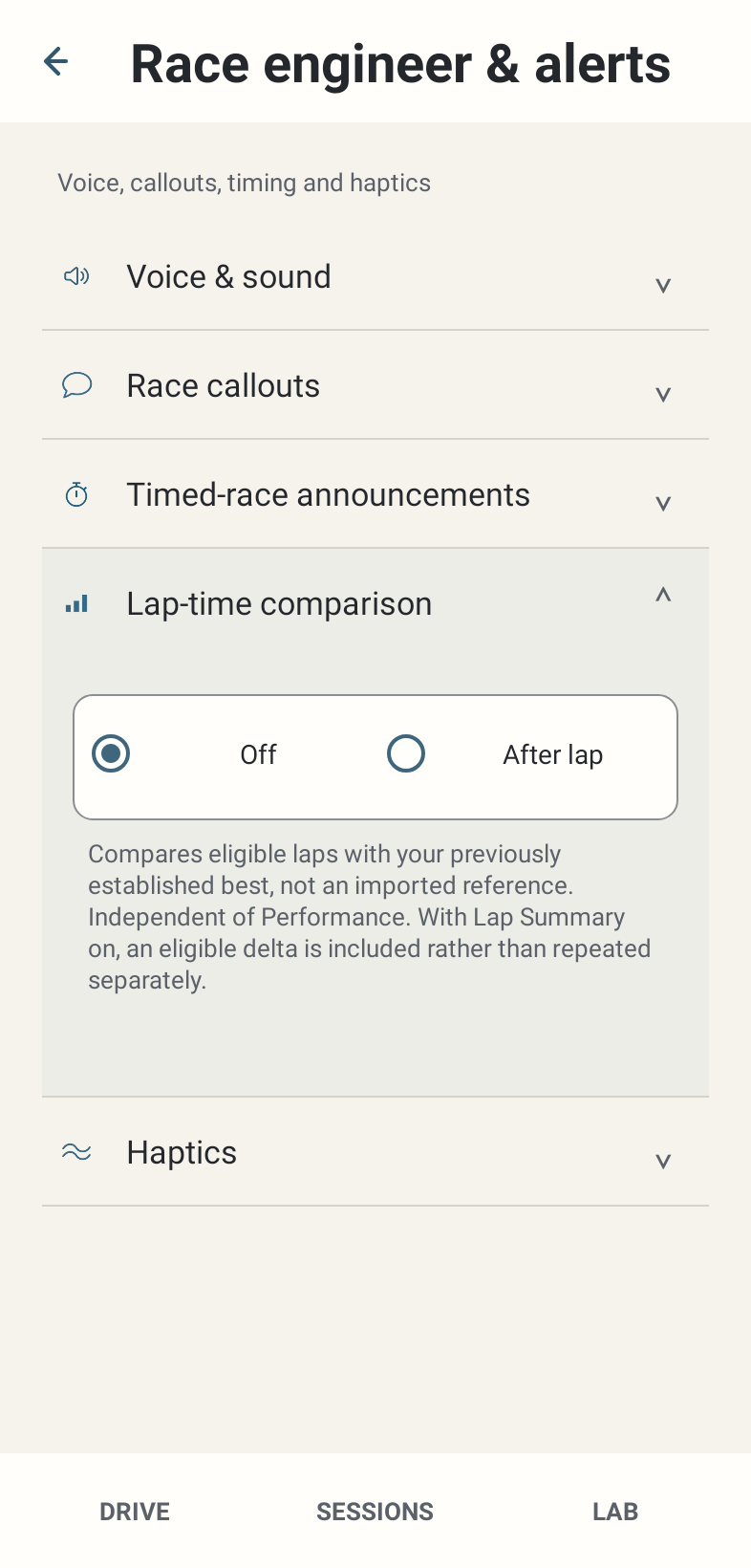
Where: Race engineer & alerts → Lap-time comparison.
How to use it
- Choose Off or After eligible laps. Off is the default.
- Establish an eligible best and complete another suitable lap. The current comparison speaks an eligible slower delta, not continuous corner coaching.
- With Lap Summary enabled, the qualifying delta is incorporated in the Summary lap-time section rather than duplicated.
Options and defaults
| Control | Fresh default | Values / action | Condition or meaning |
|---|---|---|---|
| Lap-time comparison | Off | Off / After eligible laps | Independent of Performance and detail |
Operating principle and expected output
Comparison is independent of Performance and the detail selector. It uses the previously established best in this race-engineer context, not an imported reference or a LAB Personal Best selection. The source ignores deltas below 50 milliseconds and does not use a slower comparison message for a genuine New Best.
When output is absent or limited
Insufficient prior best history, invalid/affected lap, performance suppression, pit/finish state or ordinary scheduling can prevent a delta. There is no selectable Live coaching mode in the normal UI.