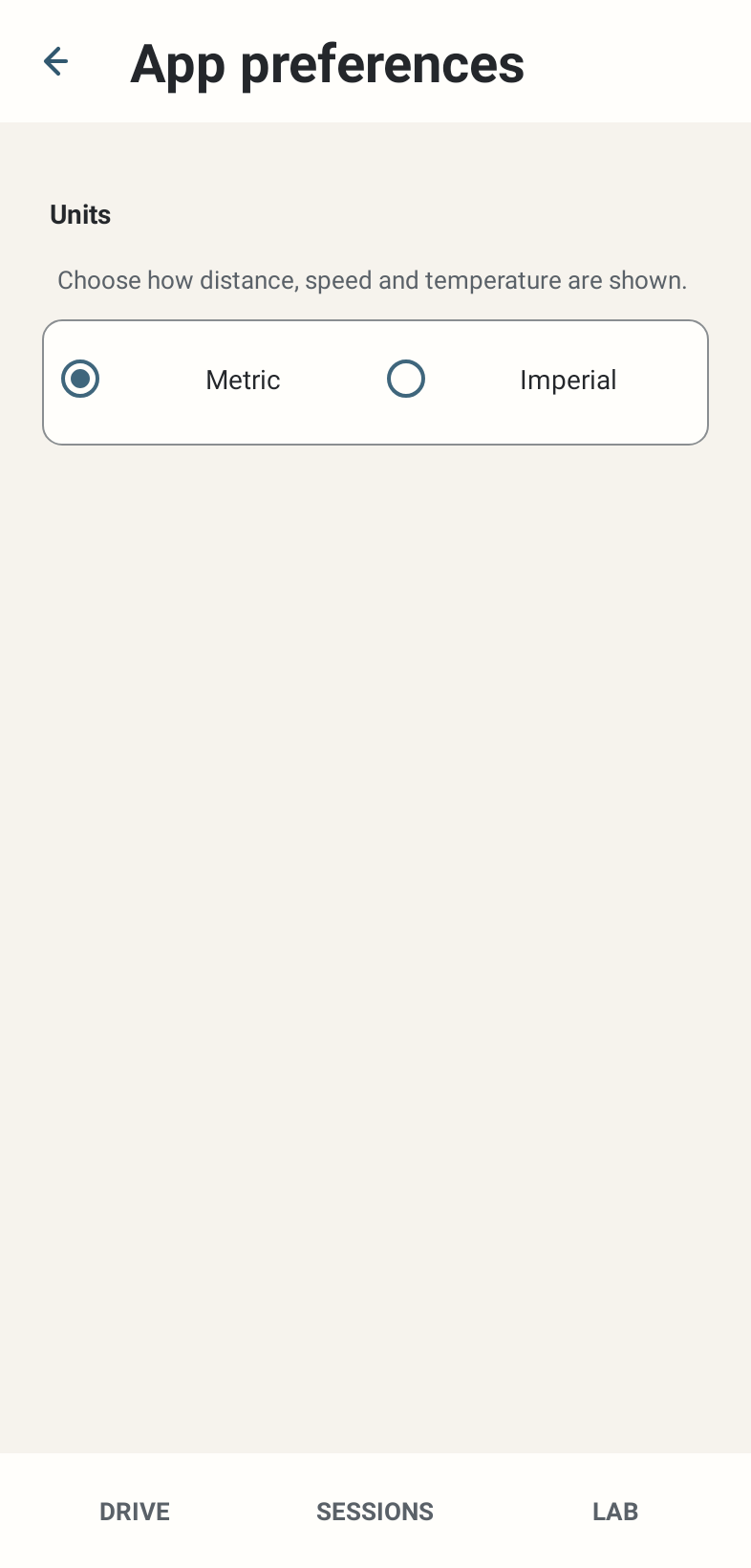
Where: Settings → App preferences → Units; Advanced & experimental → Device. Unknown car naming appears only for an eligible unknown current car.
How to use it
- Choose Metric or Imperial for displayed distance, speed and temperature. Metric is the fresh default; stored Session measurements remain canonical rather than being rewritten.
- Keep screen awake defaults OFF. Enable it when you want the app’s foreground screen kept on; it does not promise background execution or prevent all Android power restrictions.
- When the unknown-car override is exposed, enter a useful manufacturer/model name and use the explicit save action. It labels a known numeric car ID locally; it is not a new telemetry decoder.
- Public Beta is intentionally English-only. Dormant translation infrastructure is not a supported importable language feature.
Options and defaults
| Control | Fresh default | Values / action | Condition or meaning |
|---|---|---|---|
| Units | Metric | Metric / Imperial | Display conversion |
| Keep screen awake | OFF | On / Off | Foreground screen behaviour |
| Unknown car name override | No override | User-entered label when exposed | Local car-ID label; optional |
Operating principle and expected output
Preferences change presentation or local labels. They do not change GT7 physics, fuel computation, Session trace sampling or map geometry.
When output is absent or limited
A car naming control may be absent when the car is already known or no eligible ID exists. No custom language import/export UI is promised in this candidate.